Eventas

Your event operations command center

Built as the central control hub of the platform, it combines role-based visibility, configurable widgets, and live alerts so every user sees what matters most to their work.

One Dashboard. Clearer event control

Eventas Dashboard brings together the most important operational signals across events, tasks, vendors, teams, and workflows so leadership and execution teams can monitor progress, identify issues earlier, and act with more confidence.

What Eventas Dashboard does for your team

Six ways Eventas Dashboard helps teams move from scattered updates to structured operational visibility.

1

Give leadership a high-level operational view

Event Directors can see event summaries, risk indicators, budgets, vendor performance, and pending approvals from one control layer instead of chasing updates manually.

2

Help operations teams monitor execution daily

Operations Managers can track task progress, pending items, vendor coordination updates, and incident alerts so day-to-day execution stays visible and actionable.

3

Provide role-appropriate views for external users

Vendors or external users can see deliverables, assigned tasks, and deadlines relevant to their role without exposing unnecessary data.

4

Surface the KPIs that matter most

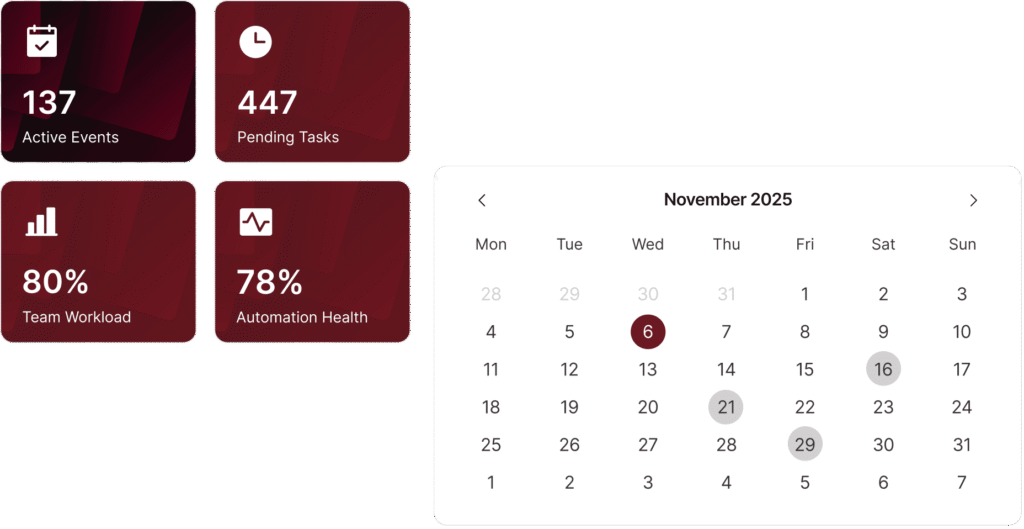
Track upcoming events, pending tasks, budget utilization, timeline status, risk score, team workload, and automation health through configurable widgets that keep teams focused on priorities.

5

Adapt the dashboard to different workflows

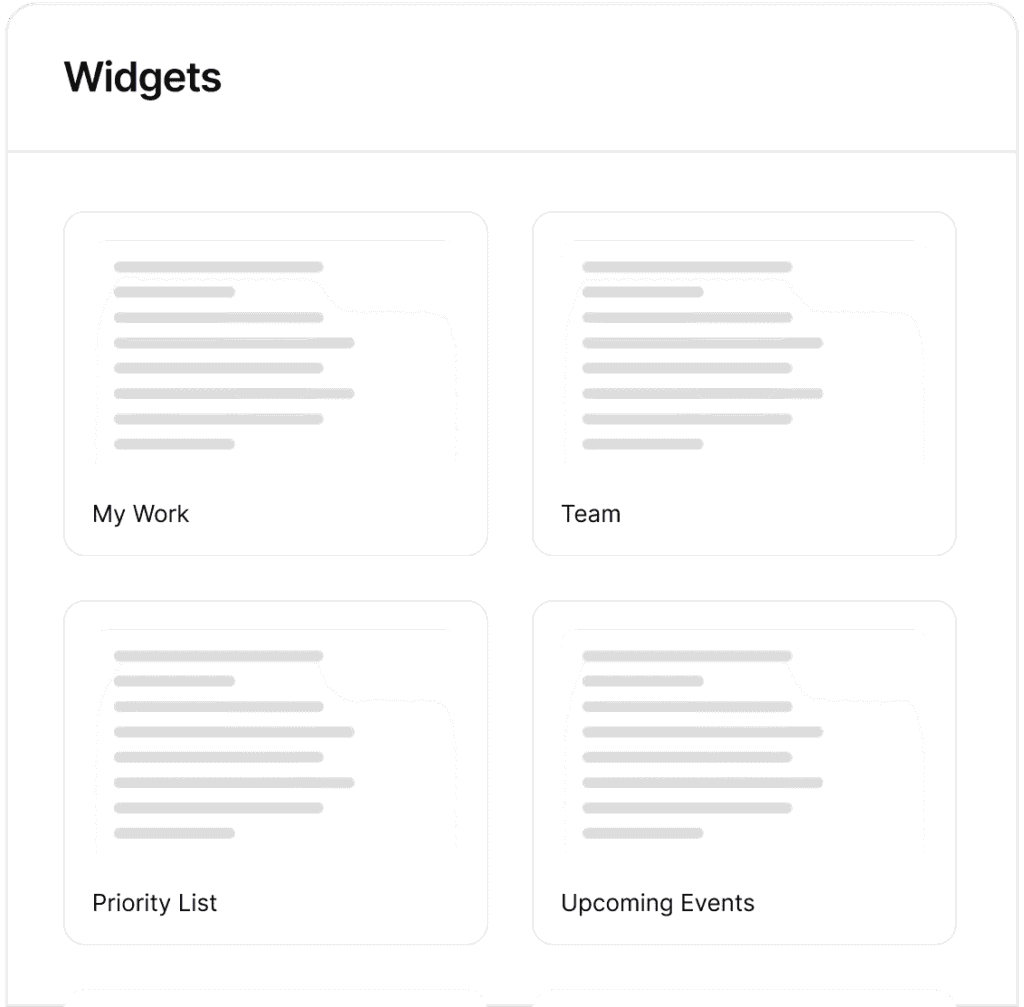
Users can add, remove, and rearrange widgets to match their own workflow preferences instead of being forced into one rigid dashboard structure.

6

Turn visibility into faster action

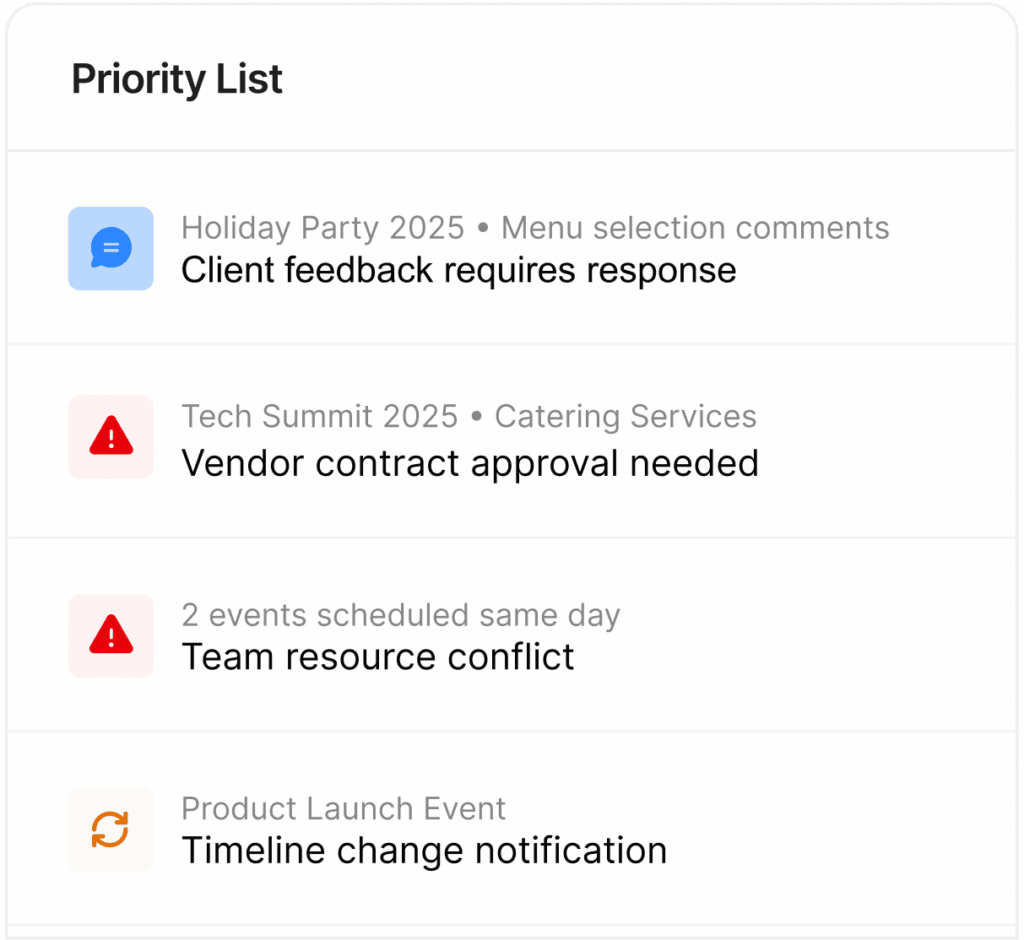
Live notifications for approvals, status changes, and critical updates make the dashboard not just informative, but operationally useful throughout the event lifecycle.

Role-Based Views

Tailor the dashboard to different user needs, from high-level decision-making to on-the-ground operational execution and external deliverable tracking.

Workflow Personalization

Allow users to add, remove, and rearrange widgets so the dashboard reflects how they actually manage events.

Operational Widgets

Use configurable dashboard blocks for events, tasks, budget utilization, timeline status, risk score, team workload, and automation health.

Cross-Module Visibility

Bring together insights from connected Eventas modules to create a more complete operational picture across the platform.

Live Alerts

Keep approvals, critical updates, and status changes visible inside the dashboard instead of buried across tools and messages.

Plan-Based Dashboard Depth

Start with basic widgets and performance metrics, then unlock advanced filters and role-based dashboard tailoring in higher plans.

Set up the Dashboard around your operational priorities

Eventas Dashboard is designed to help teams shape visibility around their actual event workflow, not the other way around.


01

Start with Core Visibility

Use the main dashboard as the central hub for event activity, connected modules, and key performance signals across the platform.
Built for the roles running the event

The requirements define the Main Dashboard as role-specific, so this page should clearly show how different users benefit from different levels of visibility.

Event Directors

See high-level event summaries, risk indicators, budgets, vendor performance, and pending approvals to support faster strategic decisions.

Operations Managers

Track daily task progress, pending items, vendor coordination updates, and incident alerts to keep event execution on course.

Event Managers

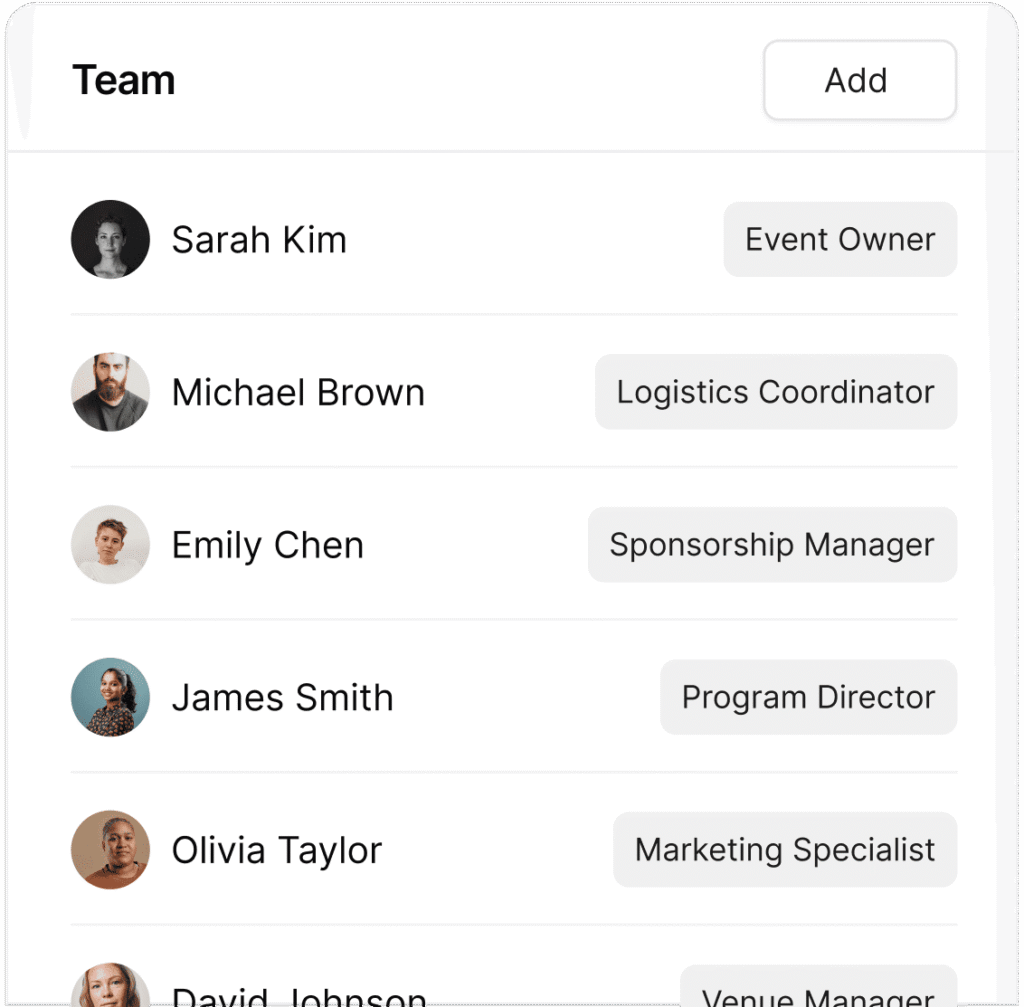
Use connected dashboard visibility to monitor progress across events, teams, tasks, and workflow activity without switching across disconnected tools.

Vendors and External Users

Access assigned tasks, deliverables, and deadlines through controlled, role-appropriate dashboard views.

Frequently asked questions

Everything you need to know about Eventas for your events.

What is Eventas Dashboard?

It is the main control hub of the platform, designed to provide real-time, role-specific analytics and actionable insights for different users.

The requirements explicitly define dashboard views for Event Directors, Operations Managers, and Vendors or External Users, each with different priorities and visibility needs.

Yes. Users can add, remove, and rearrange widgets to match their workflow preferences.

Yes. It is designed to integrate notifications for approvals, status changes, and critical updates from across the system.

Yes. The requirements describe Eventas modules as interconnected through shared data and automations to create a unified, 360° operational view.

Bring every part of event delivery into one workspace

Manage events, people, tasks, vendors, contacts, and sponsor relationships with more structure, clearer ownership, and better operational visibility across every event.