
Smarter event communication on WhatsApp
Automate reminders, updates, summaries, and inbound event queries from one connected WhatsApp workflow.
Automated reminders and updates. Contextual inbound replies. Integrated with Notifications and Automations.
Event communication is time-sensitive, repetitive, and often fragmented across teams. Eventas WhatsApp AI Assistant is designed to support that operational reality by handling both outbound updates and inbound questions in one connected messaging layer. It is built to reduce manual coordination while keeping event teams, attendees, and stakeholders better informed.
Four practical ways WhatsApp AI helps teams reduce manual work and improve day-to-day event communication.
Send recurring reminders, event updates, and operational notifications through WhatsApp so teams spend less time chasing routine communication.
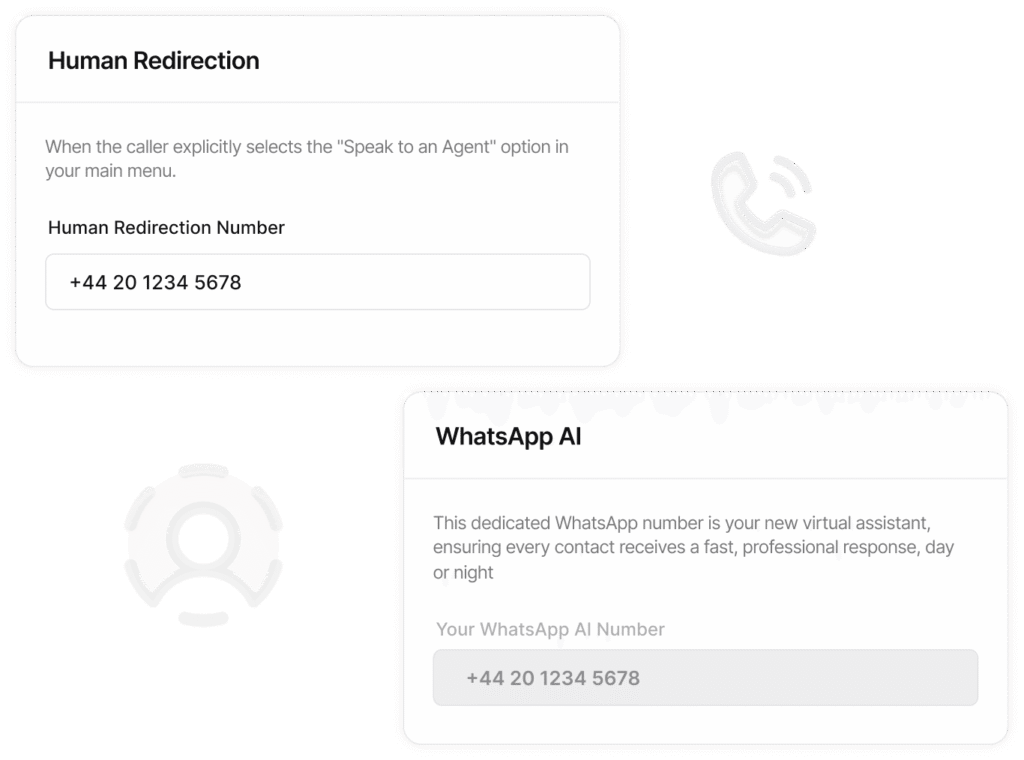
Support inbound attendee or stakeholder questions with contextual AI responses tied to the broader event workflow.
Use WhatsApp AI for structured communication such as morning briefings, evening recaps, and quick reminders that keep teams aligned.
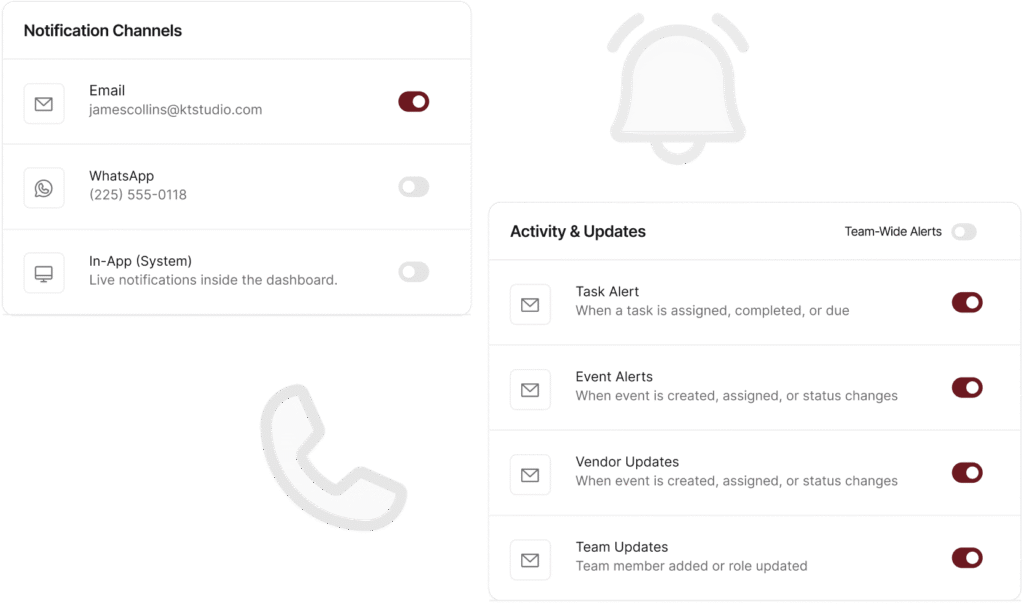
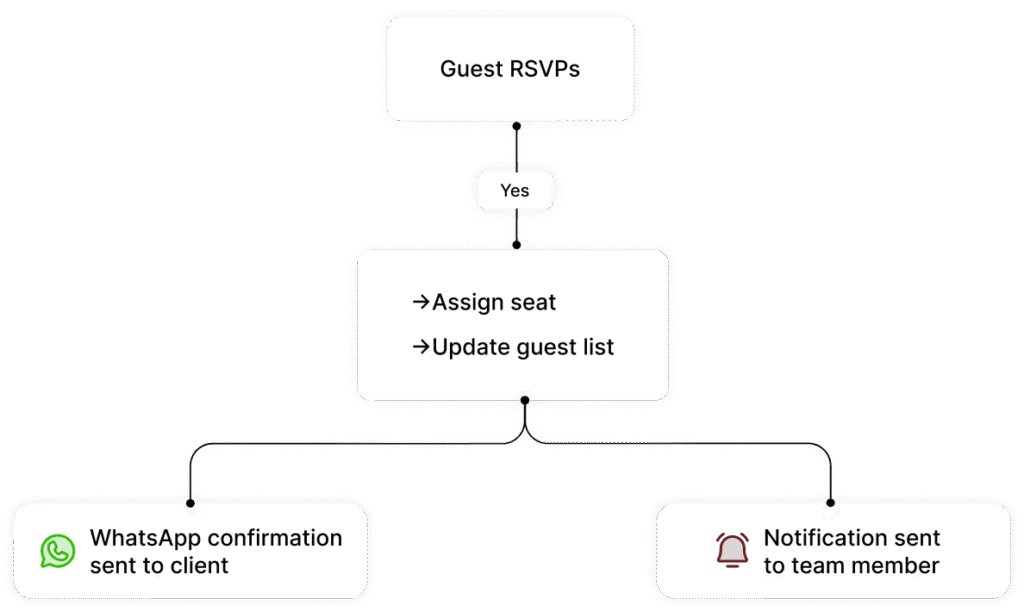
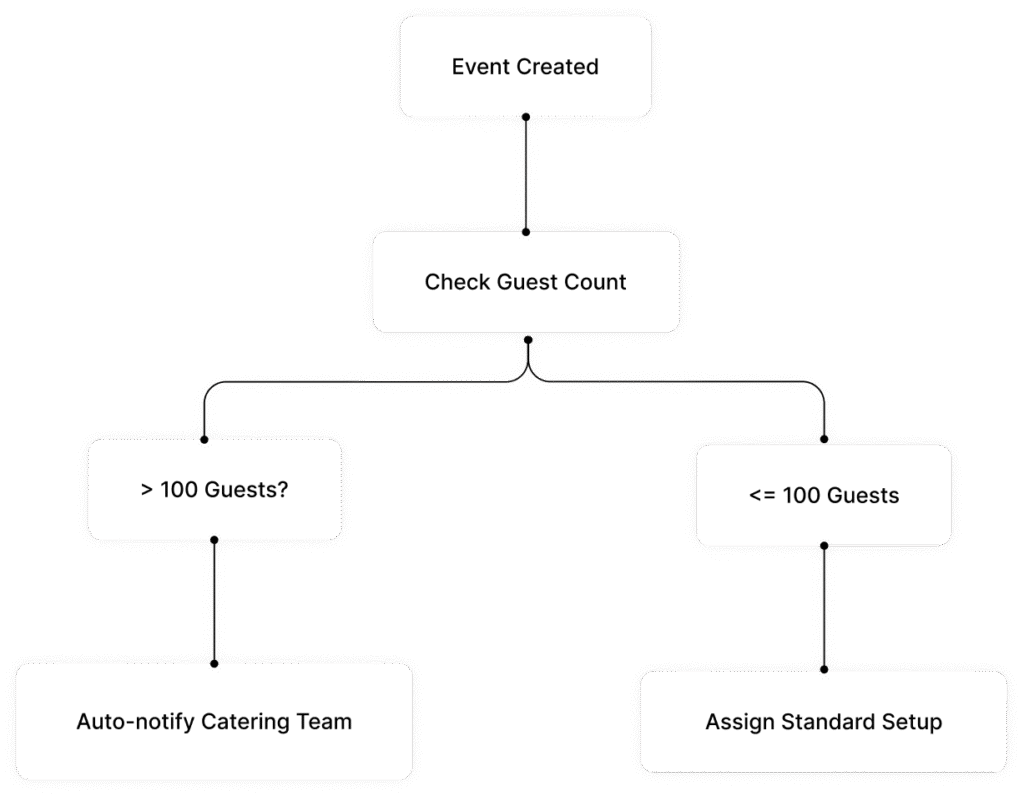
Because WhatsApp AI is integrated with the Notification Center and Automation Engine, communication can be triggered by events, tasks, reminders, and workflow conditions
Set up your assistant to match how your event team communicates, what updates need to be automated, and how inbound questions should be handled inside Eventas.
01
Define Messaging Use Cases
Set up the reminders, updates, summaries, and inbound support scenarios you want WhatsApp AI to handle.
Built for operational event communication
WhatsApp AI helps teams keep the right people informed through structured, automated, and contextual messaging across the event lifecycle.
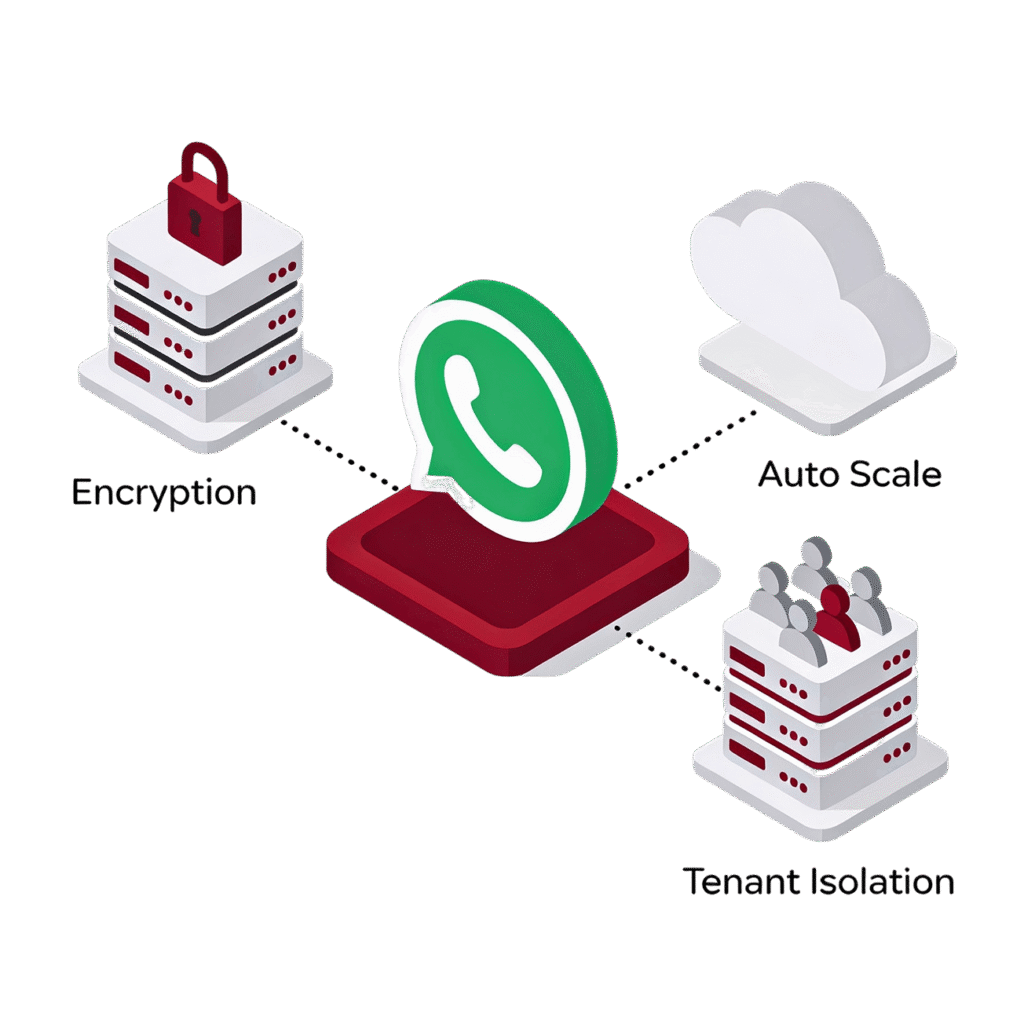
Eventas is built with privacy-by-design, security-by-design, tenant data segregation, and auditability across the broader AI and automation architecture. AI actions are designed with human oversight, and customer data remains isolated within each tenant context.
Use Eventas WhatsApp AI Assistant to reduce repetitive messaging, support inbound event questions, and keep teams aligned with smarter operational communication.